Core Web Vitals & SEO: How Page Experience Affects Rankings and AI Citations
Why Core Web Vitals SEO Is More Critical Than Ever in the AI Search Era
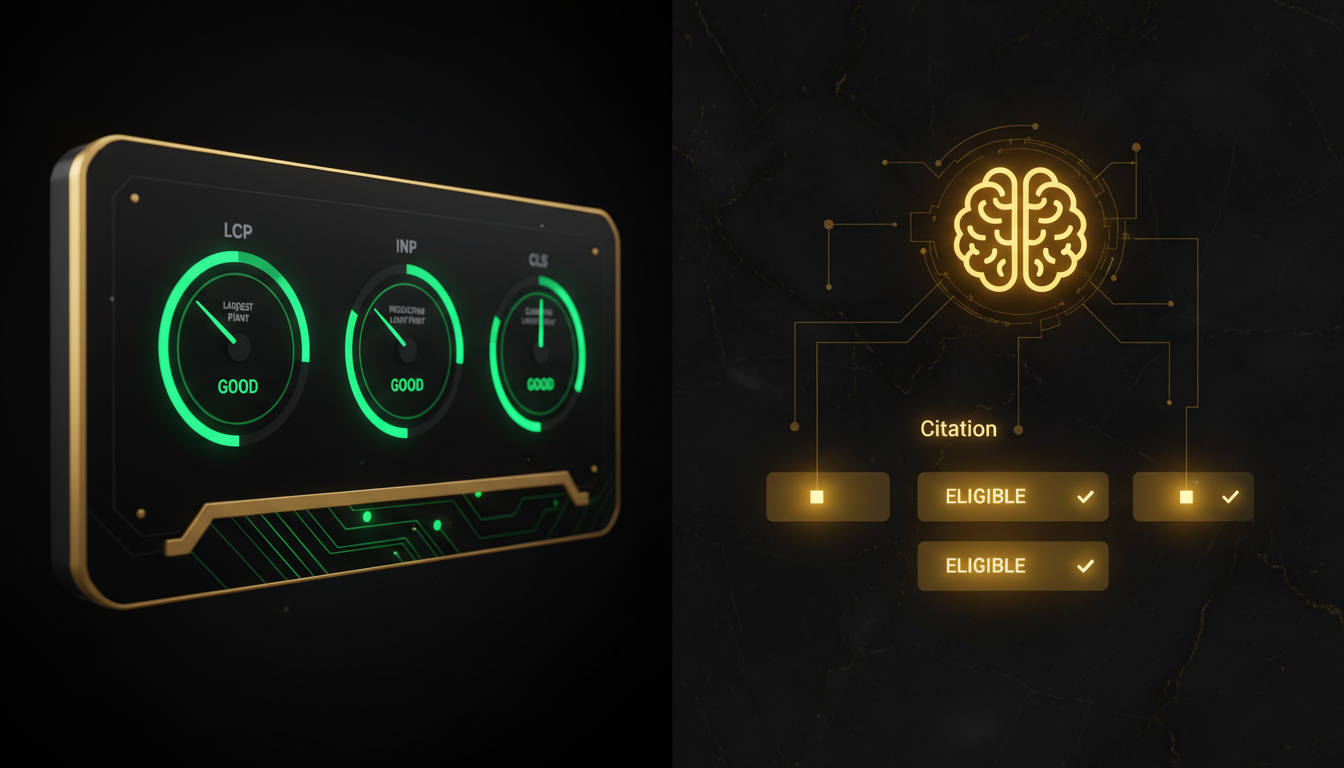
Core Web Vitals SEO has moved well beyond a technical checkbox. Since Google formalized page experience as a ranking signal, the three metrics — Largest Contentful Paint (LCP), Interaction to Next Paint (INP), and Cumulative Layout Shift (CLS) — now influence not just where your pages rank in traditional SERPs, but whether Google's AI systems consider them citation-worthy at all. If you're optimizing for Google AI Overviews or building a Generative Engine Optimization (GEO) strategy, page performance is no longer optional infrastructure. It's a prerequisite for visibility.
Quick answer: Core Web Vitals are Google's three user-experience metrics — LCP (loading speed), INP (interactivity), and CLS (visual stability) — that function as confirmed ranking signals under the Page Experience update. Pages scoring "Good" on all three gain a positive ranking boost and are more likely to be selected as sources in Google AI Overviews. To meet Good thresholds: LCP under 2.5 seconds, INP under 200 milliseconds, and CLS under 0.1. Poor scores suppress organic visibility and reduce AI citation eligibility even when content quality is high. Fixing Core Web Vitals requires addressing server response times, render-blocking resources, image sizing, and layout stability — ideally surfaced through a technical SEO audit.
What Are Core Web Vitals and Why Do They Matter for Rankings?
Core Web Vitals are a subset of Google's broader Page Experience signals. They were introduced to give webmasters objective, measurable targets for real-world user experience — not lab simulations, but field data collected from actual Chrome users via the Chrome User Experience Report (CrUX).
Google's ranking systems use these signals as a tiebreaker and a quality floor. According to the Google SEO Starter Guide, creating a fast, stable, and responsive experience is foundational to how Google evaluates page quality. When two pages have comparable content authority, the one with better Core Web Vitals scores will generally rank higher.
The Three Metrics Explained
| Metric | What It Measures | Good Threshold | Needs Improvement | Poor |
|---|---|---|---|---|
| Largest Contentful Paint (LCP) | How fast the main content loads | ≤ 2.5s | 2.5s – 4.0s | > 4.0s |
| Interaction to Next Paint (INP) | Responsiveness to all user interactions | ≤ 200ms | 200ms – 500ms | > 500ms |
| Cumulative Layout Shift (CLS) | Visual stability during load | ≤ 0.1 | 0.1 – 0.25 | > 0.25 |
Largest Contentful Paint (LCP) measures when the largest visible element — typically a hero image or headline block — finishes rendering. It's the closest proxy for "did the page feel fast?" that Google has standardized.
Interaction to Next Paint (INP) replaced First Input Delay (FID) as an official Core Web Vital in March 2024. Unlike FID, which only measured the first interaction, INP captures the latency of every click, tap, and keyboard input throughout the entire session. This makes it a far more demanding and realistic measure of page responsiveness.
Cumulative Layout Shift (CLS) tracks unexpected visual movement. When a button shifts just before a user clicks it, or an ad pushes content down mid-read, that registers as layout instability — a signal that the page is unreliable to use.
How Page Experience Signals Fit Into Google's Ranking System
Core Web Vitals don't operate in isolation. They're part of Google's Page Experience signal set, which also includes HTTPS security, mobile-friendliness, and the absence of intrusive interstitials. Google has been transparent that content quality remains the dominant ranking factor — but page experience acts as a meaningful differentiator when content quality is comparable across competing pages.
The practical implication: a technically poor page can rank if its content is uniquely authoritative, but it will underperform its potential. A technically excellent page with thin content won't rank well either. The goal is both.
How Core Web Vitals Affect AI Citation Eligibility
This is where Core Web Vitals SEO intersects directly with the emerging discipline of Generative Engine Optimization (GEO). Google AI Overviews don't just pull from the top-ranked pages — they evaluate a broader set of quality signals to determine which pages are trustworthy enough to cite in a generated answer.
A slow, visually unstable page sends a quality signal that cuts against citation eligibility. Google's AI systems are trained to surface helpful, reliable content, and page experience is one of the proxies they use to assess reliability. As the Google helpful content guidance makes clear, helpfulness encompasses the full user experience — not just the words on the page.
If you're working to get cited in Google AI Overviews, treating Core Web Vitals as a prerequisite rather than an afterthought is the correct strategic framing.
What "Search Experience Optimization" Means in Practice
Search Experience Optimization is the convergence of technical SEO, UX, and content quality into a unified optimization discipline. It recognizes that AI-driven retrieval systems evaluate pages holistically — not just for keyword relevance, but for the entire signal profile a page presents.
A page that loads in under 2 seconds, never shifts its layout, and responds instantly to interactions is a page that signals trustworthiness at every layer. That trustworthiness compounds with strong content structure, schema markup, and topical authority to create a page that both ranks and gets cited.
What Matters Most: How to Prioritize Core Web Vitals Fixes
Not all Core Web Vitals issues carry equal weight. Here's the decision framework for prioritizing remediation work:
- Impact on real users: Field data (CrUX) matters more than lab data (Lighthouse). Fix what real users experience.
- Metric threshold proximity: A page at 2.6s LCP is one optimization away from "Good." A page at 6s LCP needs architectural changes.
- Page strategic value: Prioritize high-traffic, high-conversion, and AI-citation-targeted pages first.
- Root cause vs. symptom: Fixing a slow server response (TTFB) often improves LCP across the entire site, not just one page.
Fixing LCP: The Highest-Impact Lever
LCP failures almost always trace back to one of four causes: slow server response times, render-blocking JavaScript or CSS, slow resource load times (especially unoptimized images), and client-side rendering delays.
Practical fixes include: serving images in WebP or AVIF format with proper compression, implementing a CDN to reduce geographic latency, preloading the LCP element using <link rel="preload">, and eliminating render-blocking resources above the fold.
Fixing INP and CLS
INP issues typically stem from long JavaScript tasks that block the main thread. Auditing and breaking up long tasks, deferring non-critical scripts, and using web workers for heavy computation are the primary remediation paths.
CLS fixes are more straightforward but require discipline across the entire development workflow:
- Always define explicit
widthandheightattributes on images and video embeds - Reserve space for dynamically injected content (ads, banners, cookie notices) using CSS aspect-ratio boxes
- Load web fonts with
font-display: optionalorfont-display: swapto prevent layout jumps during font substitution - Avoid inserting content above existing content after the initial page load
A technical SEO audit that surfaces Core Web Vitals failures at scale — across an entire site, not just a single page — is the most efficient way to identify and prioritize these issues systematically.
Core Web Vitals Optimization Checklist
Use this checklist before publishing or re-optimizing any strategically important page:
- Measure field data in Google Search Console's Core Web Vitals report, not just Lighthouse
- Confirm LCP element is identified and preloaded where possible
- Verify all images have explicit width/height attributes set
- Audit for render-blocking scripts and defer or eliminate them
- Test INP using Chrome DevTools Performance panel under realistic interaction conditions
- Check CLS score after all dynamic content (ads, embeds, fonts) has loaded
- Confirm the page is served over HTTPS with valid certificate
- Validate mobile rendering — Core Web Vitals are measured on mobile by default
- Review schema markup for structured data eligibility alongside performance fixes (see AI schema automation)
- Re-measure field data 28 days after changes, as CrUX data has a rolling window
Choosing the Right Tools to Monitor and Fix Core Web Vitals
Google Search Console, PageSpeed Insights, and Chrome DevTools are the baseline tools every team should use. For agencies and sites managing multiple properties, a platform that surfaces Core Web Vitals data alongside on-page SEO signals, schema health, and AI citation readiness in a single workflow eliminates the fragmentation that causes issues to go unaddressed. When evaluating which platform fits your needs, the guide to choosing an SEO audit tool covers the decision criteria worth applying.
Frequently Asked Questions
Do Core Web Vitals directly affect Google search rankings?
Yes. Core Web Vitals — LCP, INP, and CLS — are confirmed Google ranking signals under the Page Experience update. Pages that score 'Good' on all three metrics receive a positive ranking boost, while poor scores can suppress visibility, especially in competitive SERPs.
Can poor Core Web Vitals stop a page from appearing in Google AI Overviews?
Indirectly, yes. Google's AI Overviews prioritize pages that are authoritative, helpful, and technically sound. A slow or visually unstable page signals low quality, reducing the likelihood that Google's AI systems will select it as a citation source, even if the content is strong.
What is a good LCP score for SEO in 2026?
Google defines a good Largest Contentful Paint (LCP) as 2.5 seconds or faster. Pages loading between 2.5 and 4 seconds need improvement, and anything above 4 seconds is considered poor. Aim for under 2 seconds to stay competitive in AI-era search.
What replaced First Input Delay (FID) as a Core Web Vital?
Interaction to Next Paint (INP) replaced First Input Delay (FID) as an official Core Web Vital in March 2024. INP measures the latency of all user interactions throughout a page session, not just the first one, making it a more comprehensive responsiveness metric.
How do I fix Cumulative Layout Shift on my website?
To fix CLS, always define explicit width and height attributes on images and video embeds, avoid inserting content above existing content after page load, use CSS aspect-ratio boxes for media, and load web fonts with font-display: optional or swap to prevent layout jumps.
Sources and Further Reading
Your Next Step
Run a Core Web Vitals audit on your five highest-traffic pages today using Google Search Console's Core Web Vitals report. Identify which metric is failing and whether the issue is site-wide or page-specific. If you're managing multiple sites or client properties, a platform-level audit that connects performance data to on-page SEO and AI citation signals will surface the highest-leverage fixes faster than page-by-page manual review.
← All posts