How to Measure AI Overview and AI Search Traffic in GA4
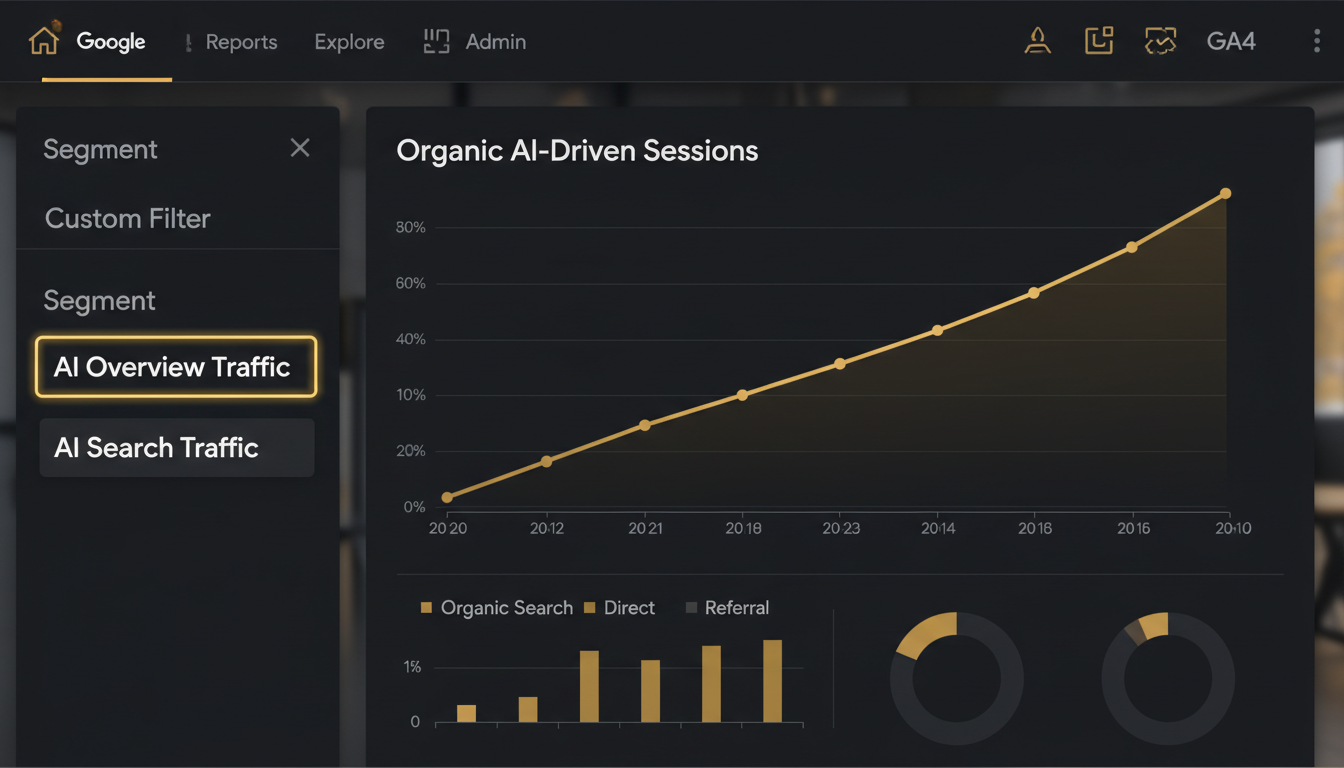
If you want to measure AI Overview traffic in Google Analytics 4, you are working with a gap that most analytics setups have not yet closed. Google has not created a native "AI Overviews" channel in GA4, and the referral signals from generative search experiences are inconsistent across platforms. But with the right combination of Google Search Console filters, GA4 custom segments, and UTM parameter discipline, you can build a measurement framework that is both actionable and reportable to clients.
Quick answer: GA4 does not automatically isolate AI Overview traffic. To approximate it, combine Search Console's AI Overviews click and impression data (available under the Search type filter in some accounts) with a GA4 custom segment filtering for Organic Search sessions on landing pages that match AI Overview citations. For third-party AI search engines like Perplexity or ChatGPT, filter GA4's Referral channel by source containing perplexity.ai or chatgpt.com. This layered approach gives agencies a defensible, reportable picture of AI-driven search traffic without waiting for a native GA4 integration that does not yet exist.
Why AI Search Traffic Measurement Is Now a Core SEO Skill
Google AI Overviews, Perplexity, ChatGPT search, and Bing Copilot are changing where clicks originate. A page that earns an AI Overview citation may see impression volume rise while click-through rate drops—or it may capture high-intent clicks that convert better than standard organic results. Without measurement, you cannot tell the difference.
For agencies managing multiple client accounts, this is not a theoretical problem. Clients ask whether their content is appearing in AI answers. They want to know if their investment in Generative Engine Optimization (GEO) is producing measurable results. If you cannot segment AI-driven sessions from standard organic traffic, you cannot answer that question with data.
The measurement challenge is structural. AI Overviews are part of Google's search results page, so clicks from them pass through the same organic search channel as any other Google result. There is no automatic UTM tag, no separate referrer, and no dedicated GA4 channel grouping. Third-party AI engines are more tractable—they pass referral data—but they require their own filtering logic.
How to Measure AI Overview Traffic Using Google Search Console
Setting Up the AI Overviews Filter in Search Console
Google Search Console is currently the most reliable source for AI Overviews data. In some accounts, the Search type dropdown in the Performance report includes an "AI Overviews" option alongside Web, Image, Video, and News. If your account has this option:
- Open Search Console and navigate to Performance > Search results.
- Click the Search type filter at the top.
- Select AI Overviews if available.
- Review impressions, clicks, average position, and CTR for queries where your pages appeared in an AI Overview.
Export this data and note the specific URLs earning AI Overview impressions. These landing pages become your reference set for GA4 segmentation.
If the AI Overviews filter is not yet available in your account, use the standard Web search view and filter by queries that are known to trigger AI Overviews—typically informational, definitional, or how-to queries. Cross-reference with manual SERP checks on your highest-traffic informational pages.
Connecting Search Console Data to GA4
Link your Search Console property to GA4 if you have not already. Once linked, the Search Console collection in GA4's left navigation gives you access to Google organic search queries and landing pages inside GA4. This is not a perfect bridge for AI Overviews specifically, but it lets you correlate Search Console query data with GA4 session behavior on the same landing pages.
Use the Landing page + query string dimension in the Search Console reports inside GA4 to identify which pages drive sessions after appearing in AI Overview-adjacent queries.
Building GA4 Segments to Isolate AI-Driven Organic Traffic
Creating a Custom Segment for AI Overview Landing Pages
Once you have your list of AI Overview landing pages from Search Console, build a GA4 custom segment:
- In GA4, go to Explore and open or create a report.
- Click the + next to Segments and choose Create new segment.
- Select Session segment.
- Add condition: Session default channel grouping exactly matches Organic Search.
- Add a second condition: Landing page contains one of your AI Overview URLs (you can use regex to include multiple pages).
- Name the segment "AI Overview Landing Pages – Organic."
This segment will not be a perfect count of AI Overview clicks—some of those sessions may come from standard organic results on the same pages—but it narrows the pool significantly, especially for pages where AI Overview impressions dominate the Search Console data.
Tracking Third-Party AI Search Engines in GA4
AI search engines outside Google are easier to measure because they pass referral data. In GA4's Traffic acquisition report:
- Filter Session source contains
perplexity.aito isolate Perplexity sessions. - Filter Session source contains
chatgpt.comfor ChatGPT search referrals. - Filter Session source contains
bing.comand cross-reference with Copilot-style queries if relevant.
These sessions appear under the Referral channel in the Session default channel grouping dimension. You can create a custom channel grouping in GA4 that groups these sources into a single "AI Search Engines" channel for cleaner reporting.
UTM Parameters for Trackable AI Search Scenarios
UTM parameters are not applicable to Google AI Overviews (you cannot tag Google's own results), but they are useful in two adjacent scenarios:
Scenario 1: Content syndicated to AI-accessible platforms. If you publish content on platforms that AI engines index and cite (newsletters, press releases, partner sites), add UTM parameters to the links back to your site. Use utm_source=perplexity or utm_source=ai-citation with utm_medium=referral to track when AI engines surface that content and drive clicks.
Scenario 2: Paid or sponsored placements in AI search environments. If you are running any paid visibility in AI search products, UTM parameters are essential for separating paid AI traffic from organic AI referrals in GA4.
For a deeper look at tracking accuracy across all organic channels, the keyword ranking tracking guide covers the broader measurement infrastructure that supports this work.
What Matters Most: Decision Framework for AI Traffic Measurement
| Signal | Source | What It Tells You |
|---|---|---|
| AI Overviews impressions and clicks | Google Search Console | Which pages earn AI citations and how often users click through |
| Organic sessions on AI Overview pages | GA4 custom segment | Session behavior, conversions, and engagement after AI-driven clicks |
| Referral sessions from Perplexity, ChatGPT | GA4 Traffic Acquisition | Volume and quality of third-party AI engine traffic |
| Landing page engagement metrics | GA4 Engagement reports | Whether AI-referred visitors convert or bounce |
| Query-level CTR for AI Overview queries | Search Console | Whether AI Overviews are cannibalizing clicks on your best pages |
Prioritize Search Console AI Overviews data first—it is the most direct signal. Layer GA4 behavioral data second to understand what those visitors do after they arrive. Use UTM-tagged referral data third for any non-Google AI sources.
Turning AI Traffic Data Into Client-Ready Reporting
Measurement without communication is wasted effort. Once you have this data, it needs to appear in client reports in a way that connects to business outcomes. The executive SEO reporting guide covers how to structure these metrics for non-technical stakeholders.
For agencies running GEO campaigns, AI Overview citation rate and the organic sessions generated by cited pages are the two metrics that most directly demonstrate GEO ROI. Pair those with conversion data from GA4 to show that AI-cited pages are not just visible—they are driving business results.
If you are building this into a repeatable agency workflow, the AI SEO workflow for agencies post outlines how to systematize GEO measurement across multiple client accounts without rebuilding the process from scratch each time.
Frequently Asked Questions
Can Google Analytics 4 show me how much traffic comes from AI Overviews?
GA4 does not yet have a dedicated AI Overviews channel by default, but you can approximate it by combining Google Search Console's AI Overviews impression and click data with GA4 organic segments filtered by landing page and query patterns that match AI Overview citations.
What is the best way to segment AI search traffic in GA4?
Create a custom segment in GA4 using Session default channel grouping equals 'Organic Search', then cross-reference with Search Console data for queries that triggered AI Overviews. You can also use UTM parameters on any trackable AI search referrals from platforms like Perplexity or Bing Copilot.
Does Google Search Console report AI Overview clicks separately from regular organic clicks?
As of 2024–2025, Google Search Console shows AI Overviews impressions and clicks in the Search type filter for some accounts. Check the 'Search type' dropdown and look for an 'AI Overviews' option to isolate that data from standard web results.
How do I track traffic from AI search engines like Perplexity or ChatGPT in GA4?
AI search engines like Perplexity and ChatGPT pass referral traffic that appears in GA4 under the Referral channel. Filter by source containing 'perplexity.ai' or 'chatgpt.com' in your traffic acquisition report to isolate and measure those sessions.
Why is measuring AI Overview traffic important for SEO agencies?
AI Overviews can capture significant click share on high-intent queries. Measuring that traffic separately lets agencies demonstrate GEO ROI, justify content optimization investments, and show clients which pages earn AI citations—turning visibility into a reportable business metric.
Sources and Further Reading
- Google helpful content guidance
- Google SEO Starter Guide
- How to get cited in Google AI Overviews
- Generative Engine Optimization (GEO) complete guide
Your next step: Open Google Search Console for your top-performing informational pages and check whether the AI Overviews filter is available in your Search type dropdown. If it is, export that data, identify your top five cited URLs, and build a GA4 custom segment around those landing pages this week. That single action gives you a baseline measurement you can track, report on, and improve against—before your competitors have even started.
← All posts